
Your receipts, finally sorted.
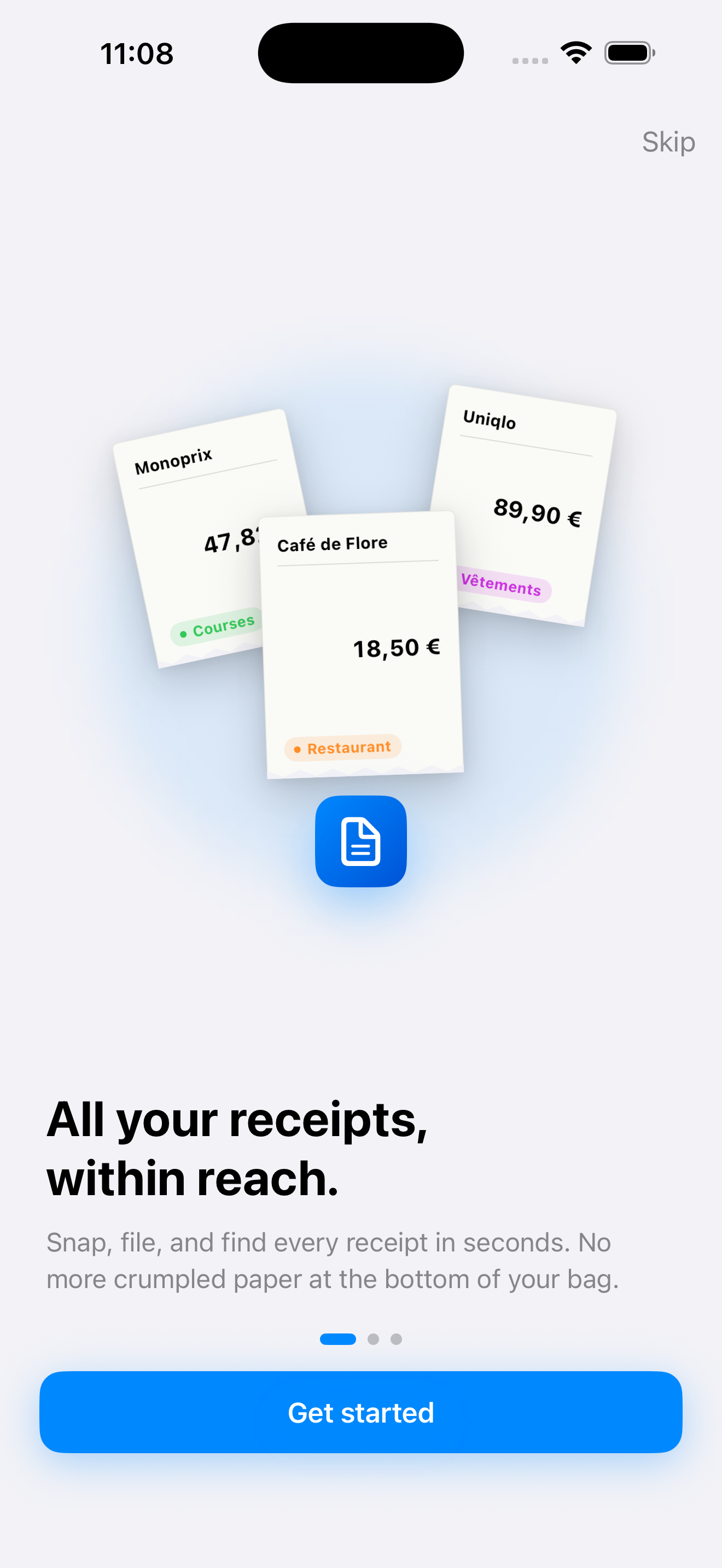
ABill scans your receipts, pulls out the merchant, date and amount, and sorts them by month or category — all on your device and your private iCloud, with no account to create.
Get the app
Capture in one move
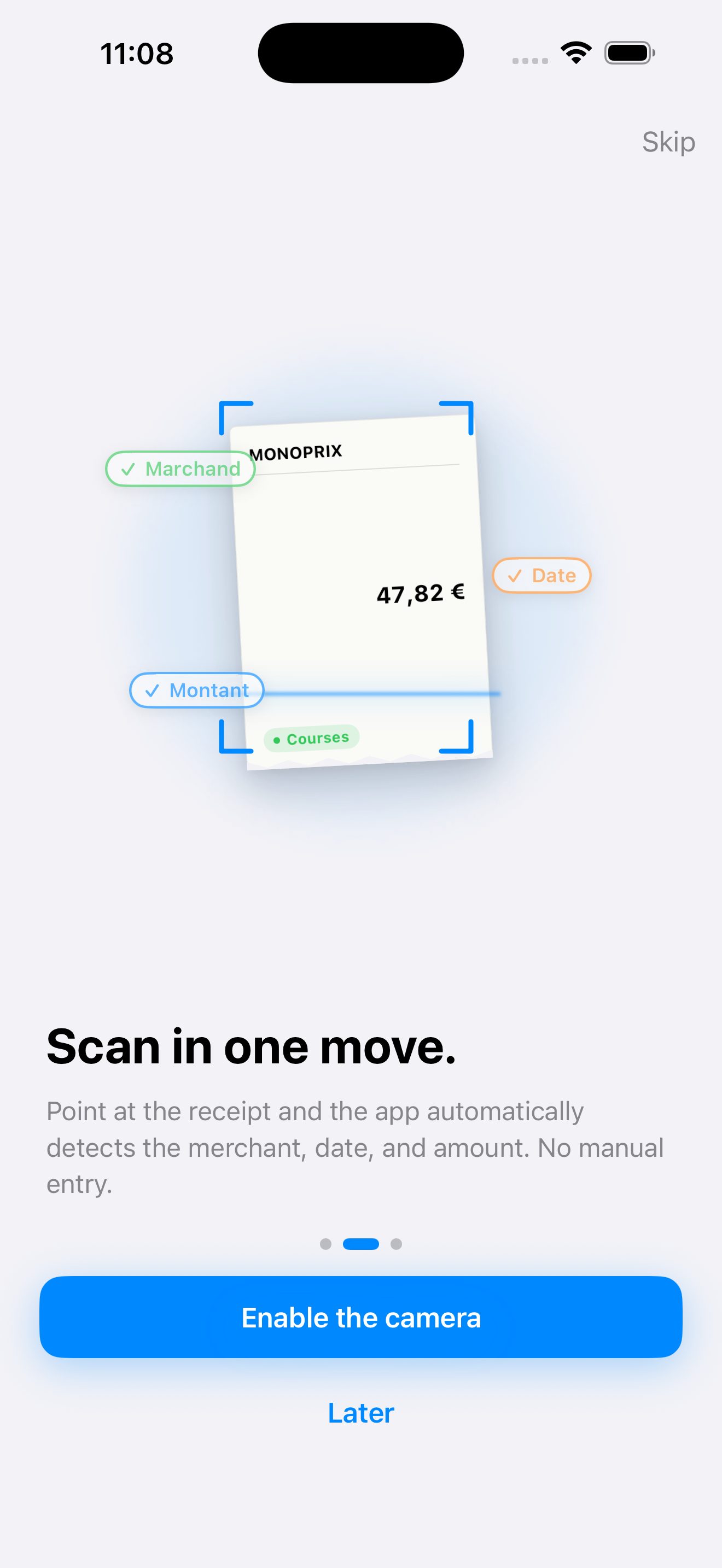
Scan a receipt with the camera, import an image from your photo library, or type it in by hand.
Automatic reading
Text recognition pre-fills the merchant, date and total amount. All that's left is to check it.
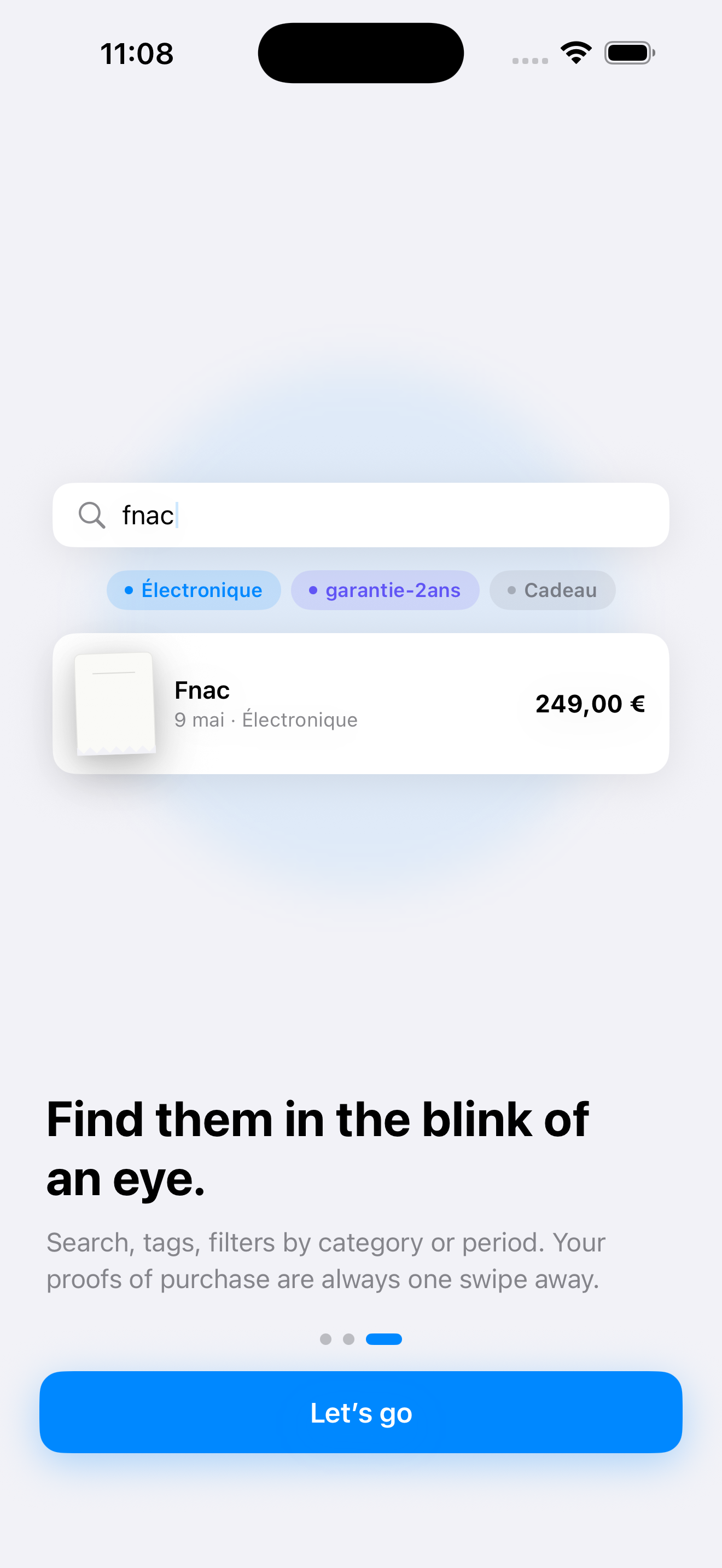
Sorted by month
Your receipts are grouped by month or category, with a per-section total and search by merchant, date or amount.
Warranties tracked
Set a warranty per item and ABill reminds you, just before the deadline, when it's about to expire.
Synced via iCloud
Your receipts sync, encrypted, across your devices through your private iCloud. Not your thing? Turn sync off in the settings.
Private by design
No account to create, no ads, no tracking, no data resale. We run no server and never see your receipts.
It looks like this
Three screens are enough to get it. The rest takes a few seconds.
Open a .bill in your browser
Got a .bill file on your computer? Open it right here to view it — everything stays on your machine, nothing is uploaded.
Open the viewer